
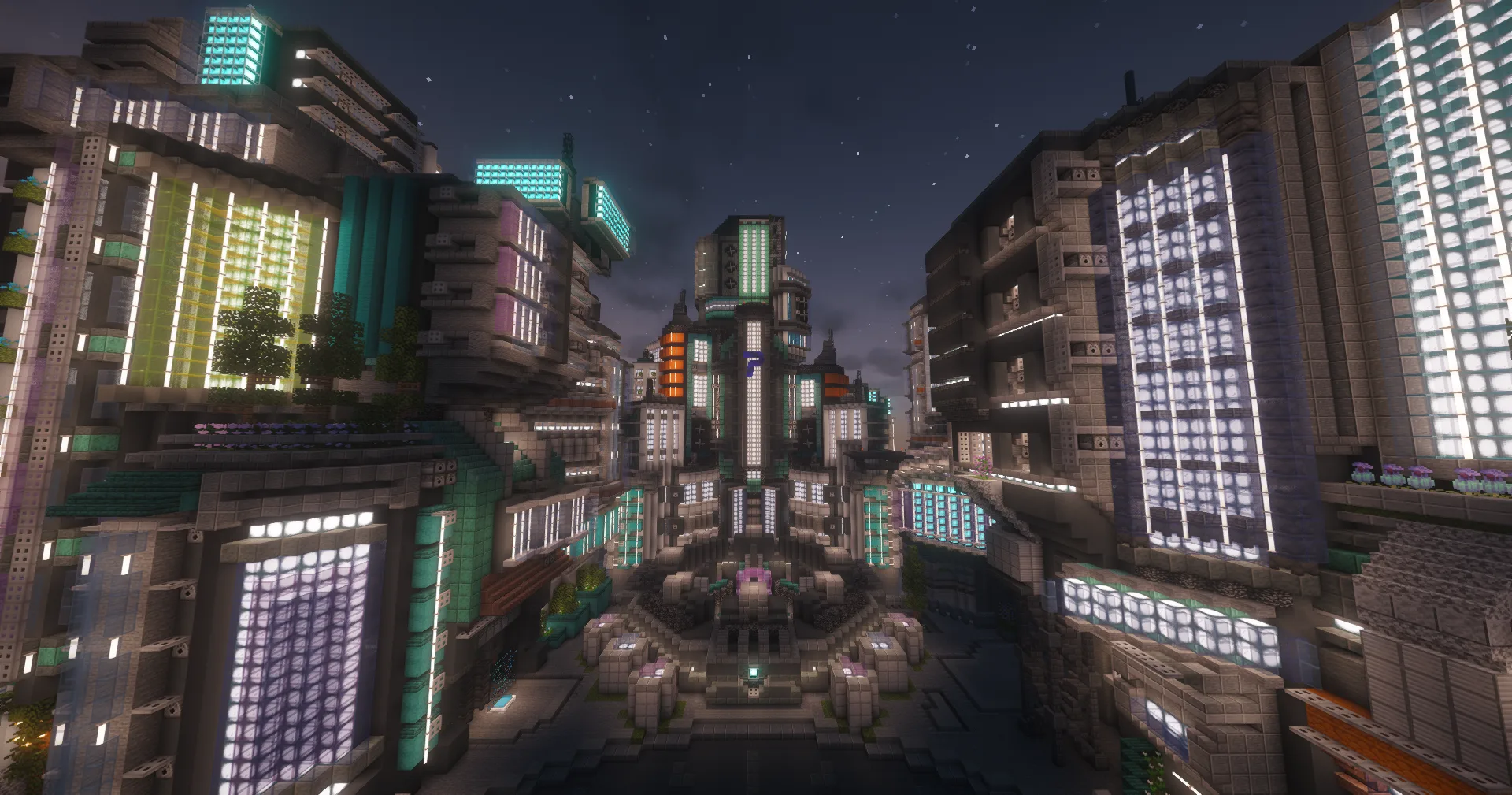
Our CityBuild concept
Your plot. Your project.
- 01Claim a plot
- 02Build together
- 03Trade and grow
Build your own plot, trade with other players and help shape our CityBuild network for Java and Bedrock.
21 complete systems. Check current access and supported game versions on Discord.
How we build
Follow updates and announcements on Discord, share your feedback and help shape what comes next.
Systems
Meet other players on Discord, share your projects and contribute ideas.
Join Discord ↗Get started
Check access and game versions on Discord, then use the server details below.
Open Minecraft Java and choose “Multiplayer”.
Add a server with the address plaxia.net.
Connect and start your CityBuild.
Open Minecraft Bedrock and add a server.
Enter the address be.plaxia.net and port 19132.
Save, join and start building together.
Playing on a console? Ask our Discord support about the connection options for your device. Use your exact in-game name, including a Bedrock prefix if present.
Support, announcements, devlogs and the people you'll be playing with — all in one place.
Join our Discord Discord